
How to Use a Temporary Email? A Simple Guide for 2026
Looking to protect your personal inbox and avoid unwanted spam? TempMailsBox.com makes it easy to create a free temporary email address in seconds. Whether you're signing up for websites, testing apps, or receiving verification codes, temporary email helps keep your real inbox private and clutter-free.
In this guide, you’ll learn what temporary email is, how to use it, and why millions of users rely on disposable email services for online privacy.
What Is a Temporary Email?
A temporary email (also called temp mail, disposable email, burner email, or throwaway email) is a short-term email address that you can use instead of your real email.
It allows you to:
- Register on websites safely
- Receive OTPs and verification emails
- Avoid spam and marketing emails
- Protect your online identity
Temporary emails automatically expire after a short period, making them ideal for one-time use.
Features of TempMailsBox.com
Multiple Domain Support
Choose from multiple email domains to improve compatibility across websites.
Attachment Downloads
Receive and securely download attachments such as PDFs, images, and documents.
Real-Time Inbox Refresh
Incoming emails appear instantly, with manual refresh available when needed.
10-Minute Email Lifetime
Your temporary inbox remains active for a limited time and automatically expires for privacy.
QR Code Access
Open your temporary inbox on mobile devices instantly by scanning a QR code.
Quick Email Reset
Delete your current inbox and generate a brand-new temporary email instantly.
Multilingual Support
Use TempMailBox.com in multiple languages including English, Chinese, German, and more.
Smart Inbox Management
Automatically track emails with read/unread status support.
Custom Email Prefixes
Generate cleaner, human-friendly temporary email addresses for better usability.
How to Use TempMailsBox.com
Using TempMailsBox.com is simple and requires no registration.
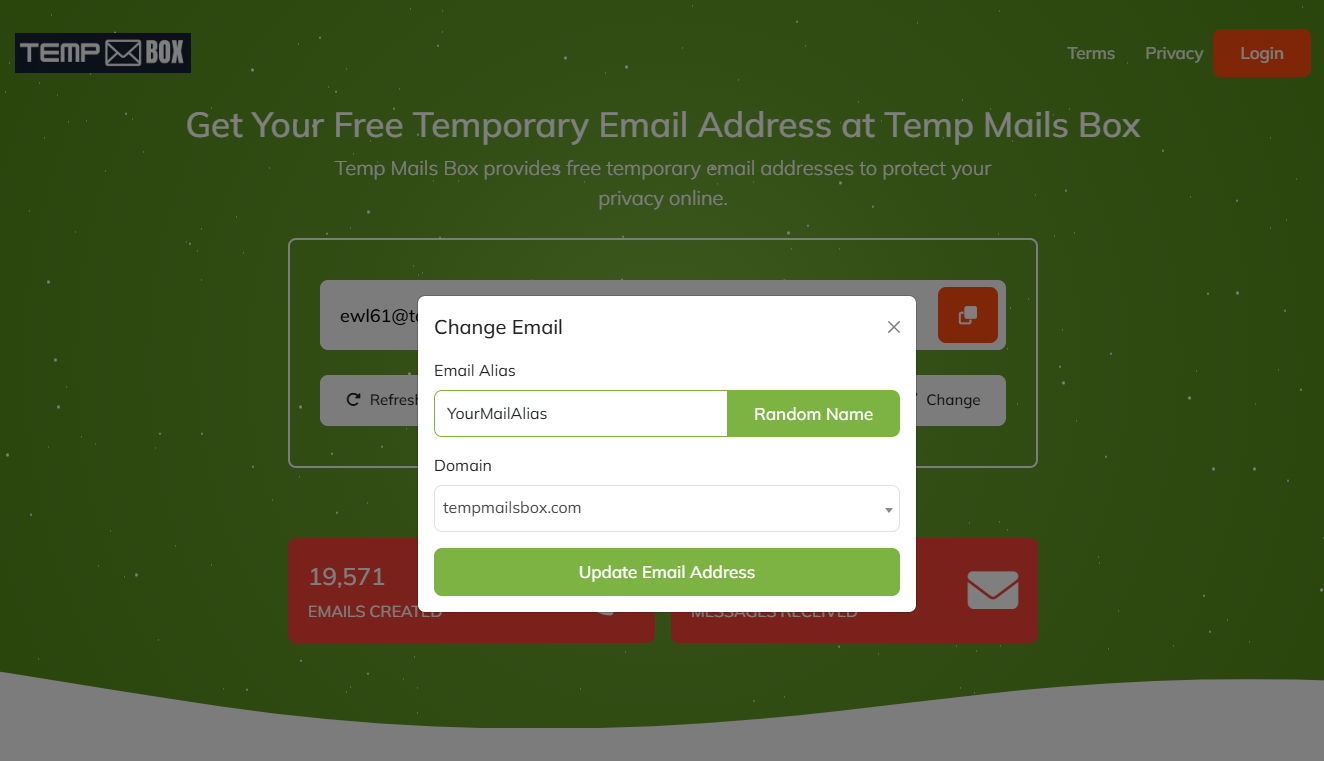
1. Generate a Temporary Email
Visit TempMailsBox.com and get an instant disposable email address automatically.
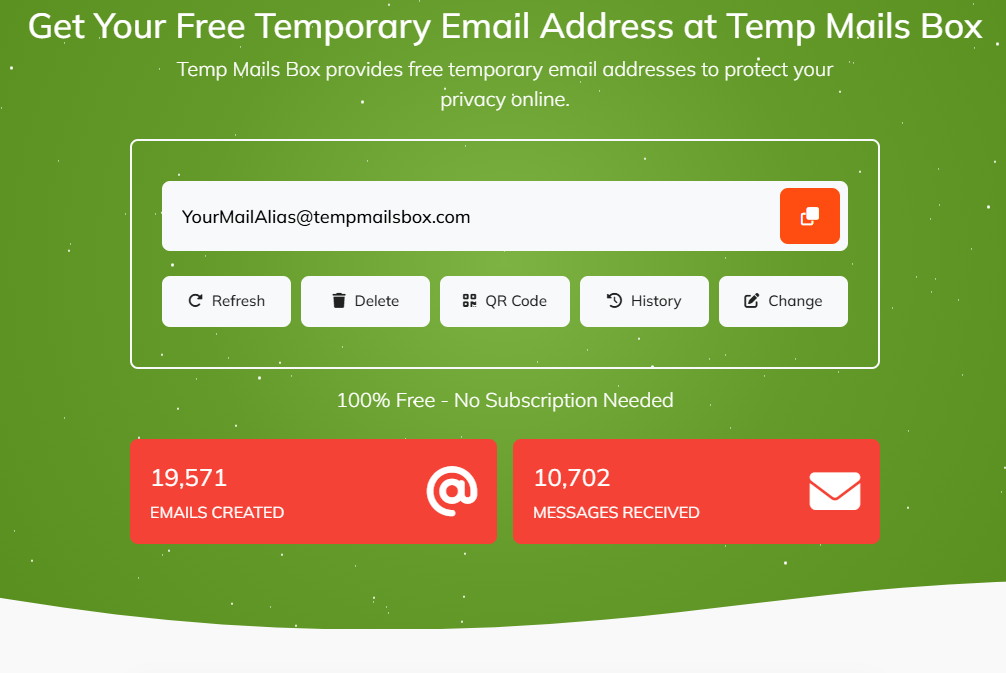
2. Copy Your Email Address
Use the one-click copy button to copy your temporary email.
3. Use It Anywhere
Paste your email when registering on:
- Websites
- Apps
- Forums
- Free trials
- Public Wi-Fi portals
- Newsletters
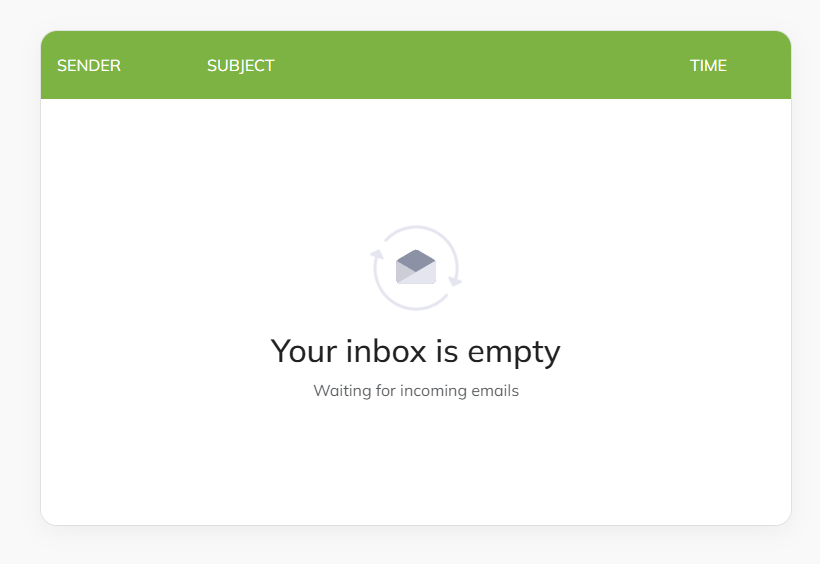
4. Receive Emails Instantly
Verification codes, confirmation emails, and messages will appear in your inbox automatically.
5. Refresh or Scan QR Code
Refresh your inbox manually or use QR code access to open it on mobile.
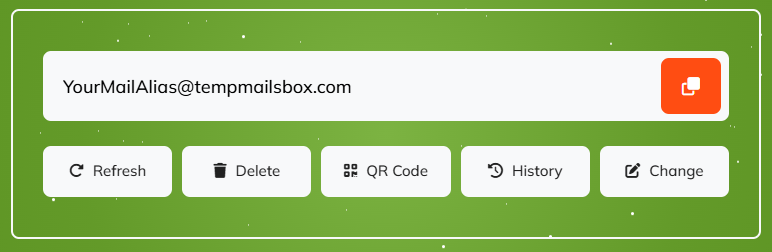
6. Reset or Delete Inbox
Need a fresh email? Reset or delete your inbox instantly.
Why Use TempMailBox.com?
Avoid Spam
Protect your primary inbox from junk mail and newsletters.
Stay Anonymous
Sign up online without revealing your personal email address.
Safer Testing
Perfect for developers, testers, and QA teams.
Fast & Free
No signup, no passwords, and completely free to use.
Best Practices for Temporary Email
- Use temporary email only for short-term purposes
- Avoid using it for banking or important accounts
- Check attachments before downloading files
- Bookmark your inbox if needed during the active session
Start Using TempMailsBox.com Today
Need a disposable email instantly? Visit TempMailsBox.com and generate a free temporary email in seconds—no registration required. Protect your inbox, stay anonymous, and avoid spam with one click.